Latest
GPG signedLlama Manager 24.04.4
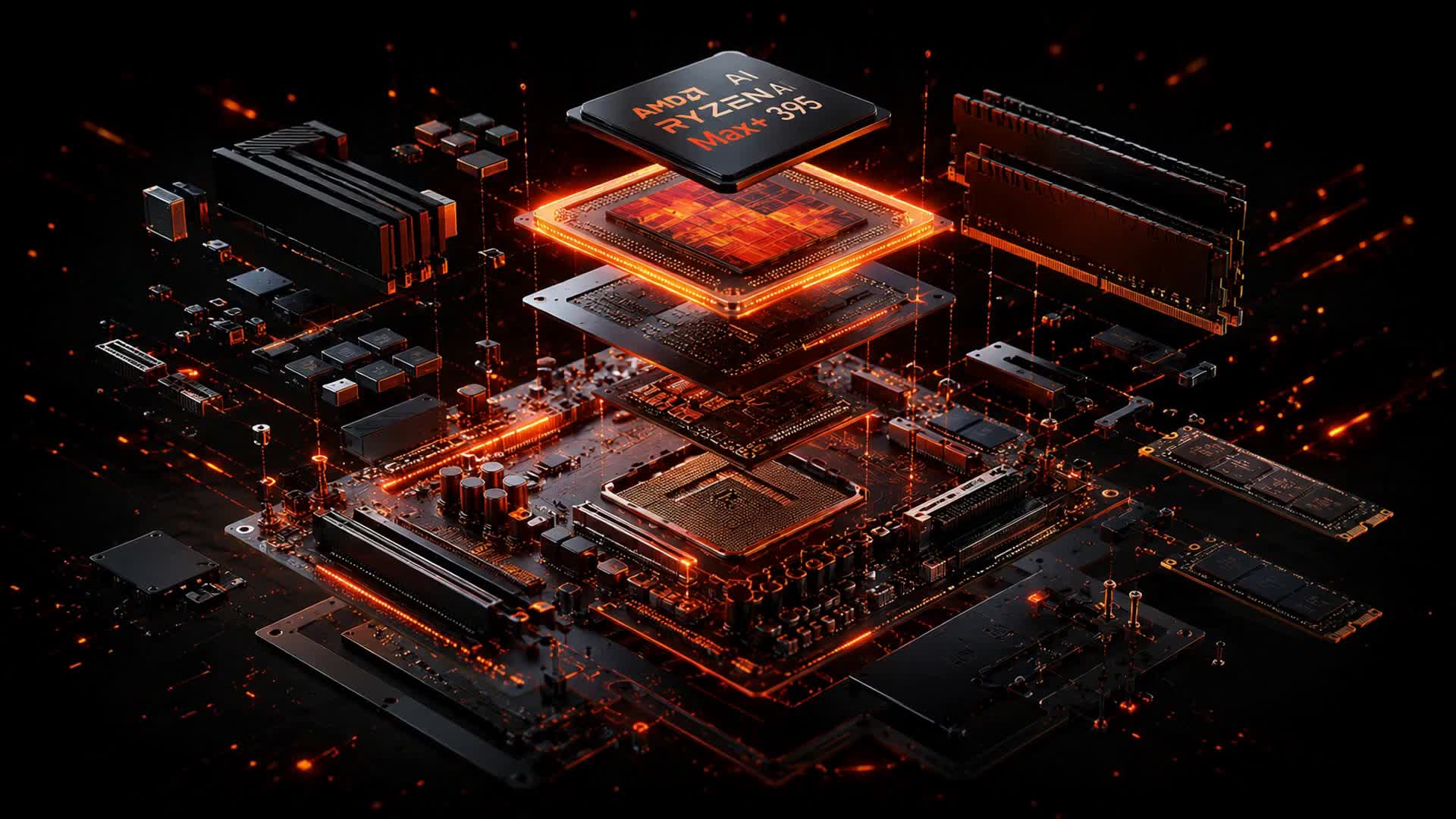
First public appliance image for AMD Ryzen AI Max / Strix Halo.
SHA-256
ecf8c87d2d9b97c33b54653ad2c97e4f646d83c84c3ad53664caf60fef36426eDownload ISOUbuntu 24.04.4 Desktop · Secure Boot disabled
Verify this download
Always confirm the checksum and GPG signature before writing the ISO. Copy the commands below.
# Download the ISO and its checksum list
curl -LO /downloads/llama-manager-ubuntu-24.04.4-amd64.iso
curl -LO /downloads/SHA256SUMS
# Confirm the ISO matches the published SHA-256
sha256sum -c SHA256SUMS

# Verify the checksum list itself is authentic
curl -LO /downloads/SHA256SUMS.asc
gpg --verify SHA256SUMS.asc SHA256SUMS
The SHA256SUMS file is signed with the Llama Manager archive key (SHA256SUMS.asc). Verifying the signature confirms the checksum list itself is authentic before you trust it.
Release notes
- Ubuntu 24.04.4 Desktop base, preconfigured as a Llama Manager appliance.
- Multi-model llama.cpp router with automatic model switching and request queueing during swaps.
- Optimized dedicated inference engines tuned for the gfx1151 iGPU (128 GB unified GTT memory).
- Kiosk-style local dashboard on boot; fully offline-capable, no cloud dependency.
- Signed APT repository preconfigured for in-place updates via apt.