Install via APT
Already running Ubuntu 24.04.4 Desktop? Add the signed Llama Manager repository and install the appliance package with standard apt tooling. Every package is GPG-verified against the archive key.
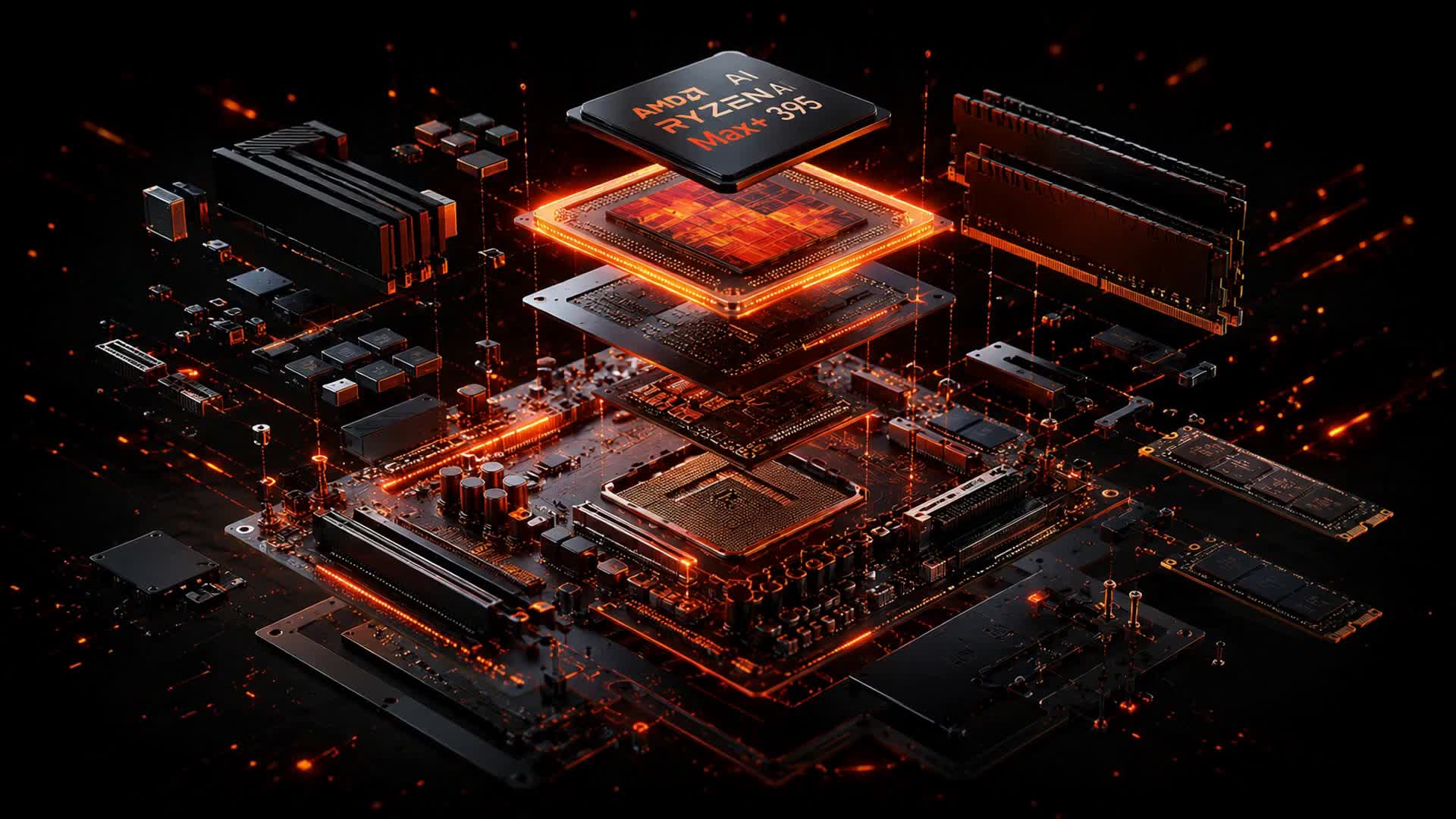
These steps target Ubuntu 24.04 (noble) on AMD Ryzen AI Max / Strix Halo (gfx1151). The repository serves the main component for the amd64 architecture.
Add the archive signing key
Download llama-manager-archive-key.asc and store it as a dedicated keyring so the repository can be verified without touching your global trust store.
# Install the Llama Manager archive signing key as a dearmored keyring
sudo install -d -m 0755 /etc/apt/keyrings
curl -fsSL https://llama-manager.doubtech.ai/apt/llama-manager-archive-key.asc \
  | sudo gpg --dearmor -o /etc/apt/keyrings/llama-manager-archive-keyring.gpg
Add the repository source
Point apt at https://llama-manager.doubtech.ai/apt for the noble release, pinned to the keyring from the previous step.
# Add the signed repository, pinned to the keyring above
echo "deb [signed-by=/etc/apt/keyrings/llama-manager-archive-keyring.gpg] \
https://llama-manager.doubtech.ai/apt noble main" \
  | sudo tee /etc/apt/sources.list.d/llama-manager.list
Update and install
Refresh the package lists and install the appliance package.
sudo apt update
sudo apt install llama-manager-appliance
Prefer a clean install? Download the full appliance ISO image instead — it ships with this repository preconfigured for in-place updates.
Flash it in one step.
Download the Flasher, plug in a USB drive or microSD, and it fetches the latest AMD Ryzen image — checksum-verified — and writes it for you. No installation: one portable file.
These builds are not yet code-signed. On macOS, right-click the app and choose Open on first launch (or run xattr -cr on the downloaded .dmg). On Windows, choose More info → Run anyway at the SmartScreen prompt.